

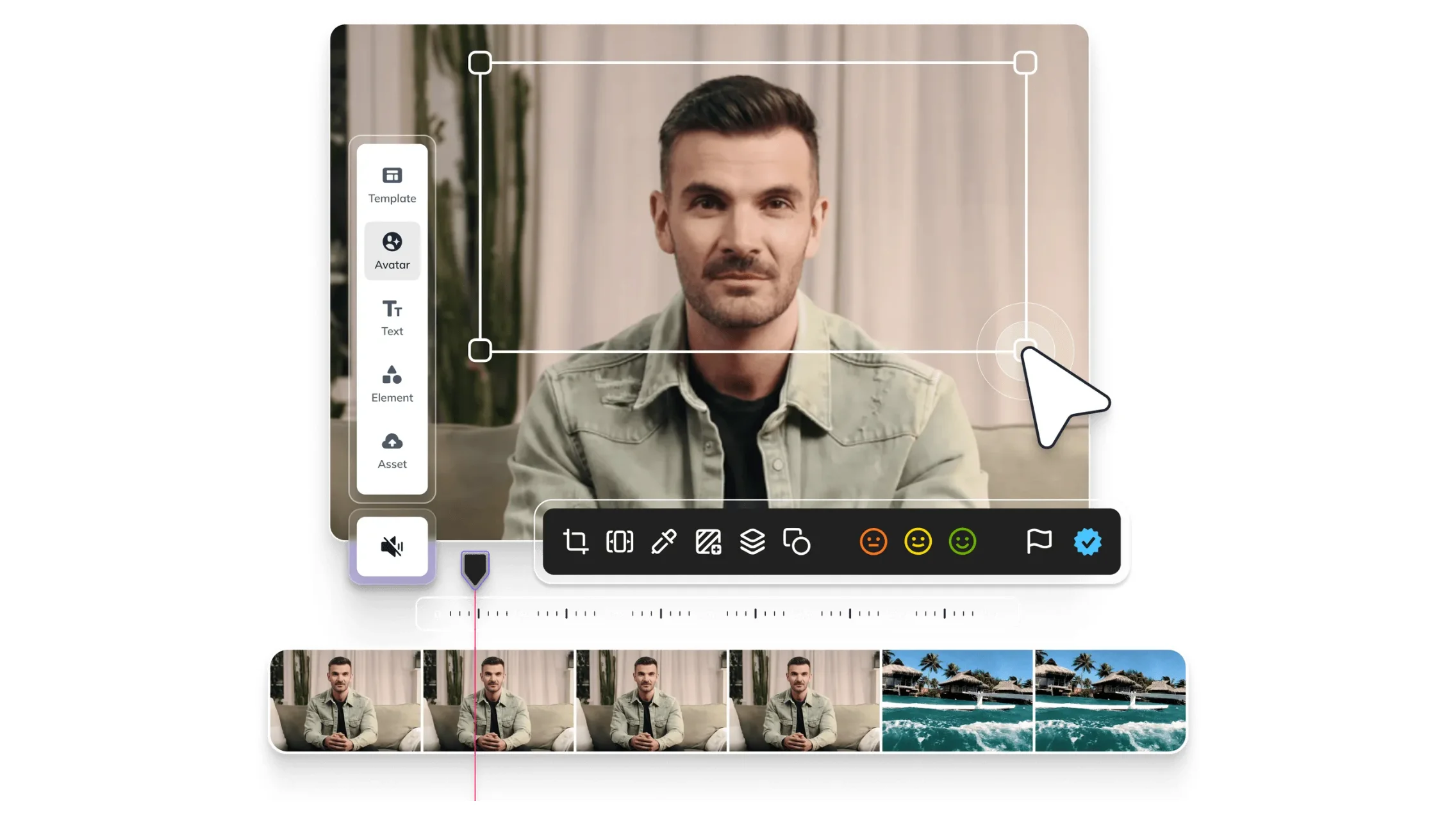
Creating high‑quality videos no longer means hiring a full production crew. With Heygen, you can create videos with Heygen in just minutes, all powered by AI avatars and smart tools. Here’s a step‑by‑step guide to transform your script into engaging content fast.
What Is Heygen?
Heygen is an AI video creation tool that lets you produce videos using virtual presenters. You do not need a camera, actors, or even editing skills. It is especially useful for explainer videos, training content, product announcements, and social media clips.
With built-in templates, customizable avatars, and natural voiceovers, Heygen is changing how businesses approach video generation with AI.
Heygen Tutorial: A Step‑by‑Step Guide
- Sign Up and Log In
- Start by creating a free Heygen account. From your dashboard, click “Create video” to begin.
- Select a Template or Start from Scratch
- Choose a template suited for your purpose—tutorial, explainer, or social video—or start fresh and apply your brand kit.
- Choose or Create an AI Avatar
- Select a stock avatar from 700+ options or upload your own photo or video clip to generate a custom AI avatar video maker. Record a short sample and consent aloud to authorize your digital avatar.
- Add Your Script and Customize
- Paste or type your script, choose a voice, and review pronunciation. Use the Heygen studio to add visuals, text overlays, images, music, and animations.
- Preview with Gesture Controls
- The AI Studio includes voice director, gesture control, and realistic previews, letting you film an avatar that moves, speaks, and looks natural.
- Generate and Export
- Once you’re happy, export your video. It’s ready to share via email, social media, or embed on your website.
Heygen for Business Uses
- Training and Tutorials: Turn written guides into clear, consistent video lessons for employees or customers.
- Marketing Assets: Create AI avatar videos for product demos, ads, or brand presentations without studio constraints.
- Localization: Generate videos in 70+ languages with lip synced voices to support global audiences.
Final Tips for Effective Video Creation
- Keep scripts concise and focused, aim for clear, engaging content.
- Preview with different voices and facial expressions to find the right tone.
- Test shorter versions before committing to full-length videos.
Interested in how AI continues to shape digital products? Heygen is part of a growing wave of tools pushing AI trends 2025. Learn more about integrating such innovations into your product roadmap in our article on AI Trends for App Development in 2025.



Have an AI project
in mind?
Let's discuss how AI can transform your business.
.avif)